
Online Image Compressor & Photo Size Reducer
Perfect for product shots, portraits, avatars, and ecommerce images.
Perfect for product shots, portraits, avatars, and ecommerce images.
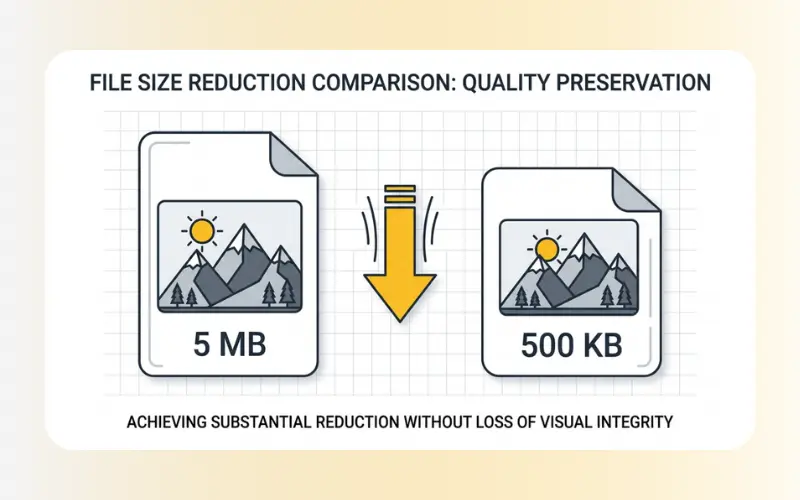
Need to reduce the storage space of your photos without losing visual clarity? EzPic offers a secure, fast, and free online image compressor that allows you to shrink file sizes instantly. Whether you need to compress JPG, PNG, or WebP files, our web-based photo size compressor optimizes your graphics so they are ready for websites, emails, or online application forms. Our lightweight image mb reducer helps you optimize your assets quickly and efficiently in just a few clicks.
Follow these steps to reduce your image file sizes:
Upload: Drag and drop your image files (such as JPG, PNG, or WebP) into the upload area, or click to select them from your device.
Compress: Our system will automatically analyze and shrink your files.
Download: Save your optimized, lightweight images back to your computer or mobile device.
Large photos can slow down page loading speeds, take up valuable storage, and cause issues with online upload forms. Utilizing an active image optimizer addresses these issues directly.
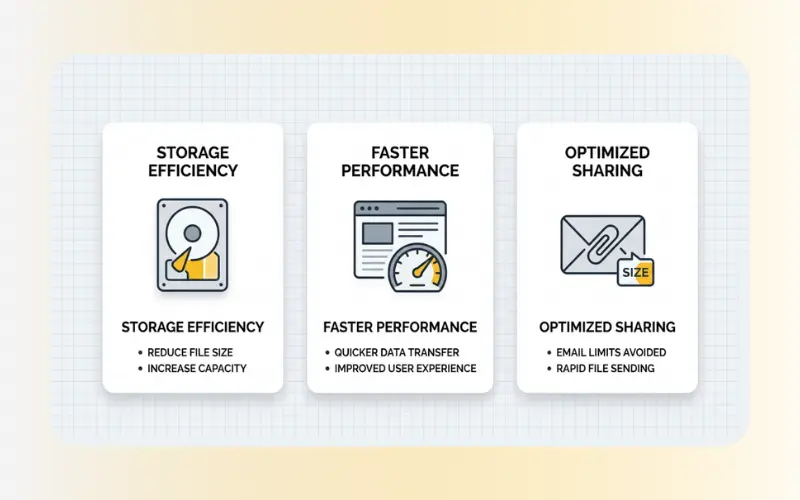
Reduce Storage Space: Our tool serves as a practical image mb reducer, turning multi-megabyte files into lightweight kilobytes. This allows you to store thousands of pictures without filling up your hard drive or cloud storage.
Improve Page Loading Speed: Slow websites lose visitors. Compressing your images before uploading them to your e-commerce store, blog, or business site speeds up load times and supports better search engine visibility.
Easy File Sharing: Most email providers and messaging systems restrict attachment sizes. Running your files through our photo size compressor ensures you can share your visuals without hitting strict size limits.
To help you get the best results, our platform operates under clear technical guidelines:
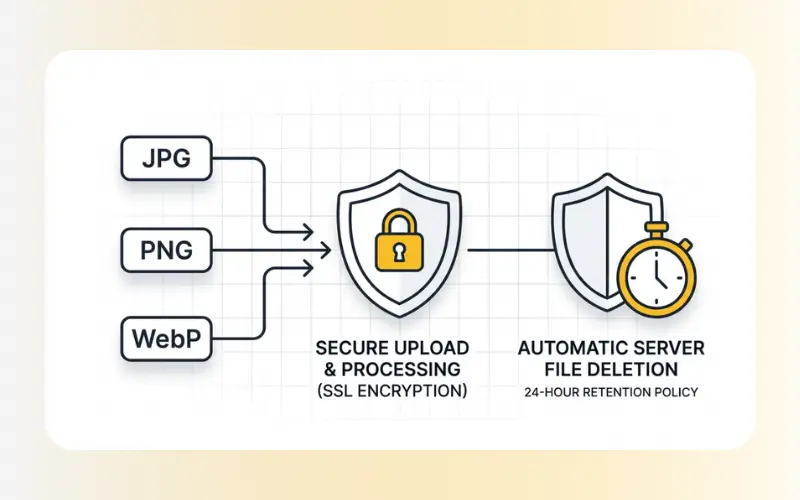
Supported Formats: JPG, JPEG, PNG, and WebP.
Security and Privacy: We prioritize your data security. All uploaded images are processed securely using SSL encryption. Your files are automatically deleted from our servers shortly after processing, meaning your pictures are never stored permanently, shared, or used for any other purposes.
The compression algorithm removes unnecessary metadata and clusters similar pixel colors without changing the actual pixel dimensions of your graphic. This reduces the file size while keeping the visual quality virtually indistinguishable from the original to the human eye.
Yes. Many government portals, job application platforms, and visa websites require images to be under a specific size limit, such as 200KB. This tool helps you quickly compress large image files so they meet these official upload requirements.
Yes. You can upload and compress WebP files in addition to traditional JPG and PNG formats. WebP compression helps you achieve even smaller file sizes for modern web development.
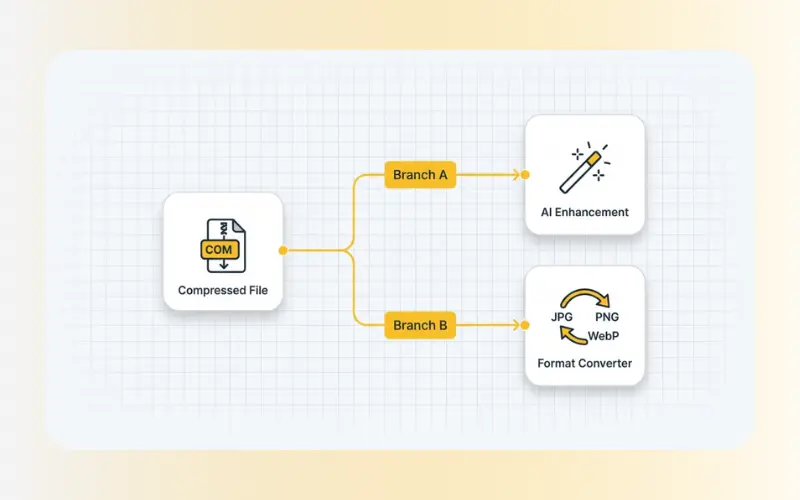
Once you have optimized your image file size, you may want to refine its format or clarity. If your images need a clarity boost, use our Enhance Images (AI Image Enhancer) to sharpen blurry details. Alternatively, if you need to convert your files to different formats for web use, try our Convert Image Format tool to easily switch between JPG, PNG, and WebP formats.