
Free Online PNG Maker & AI Image Toolkit - EzPic One
Perfect for product shots, portraits, avatars, and ecommerce images.
Perfect for product shots, portraits, avatars, and ecommerce images.
Welcome to EzPic One, a versatile free online PNG maker designed to simplify your digital asset workflow. Whether you need an online transparent picture maker to prepare web graphics or a tool to convert file types, our platform offers a reliable suite of browser-based utilities. EzPic helps you convert formats, optimize file sizes, and clean up visual assets without complex software. By converting flat graphics into compatible PNG structures, you can easily maintain clean transparency channels for digital storefronts, presentations, and professional web designs.
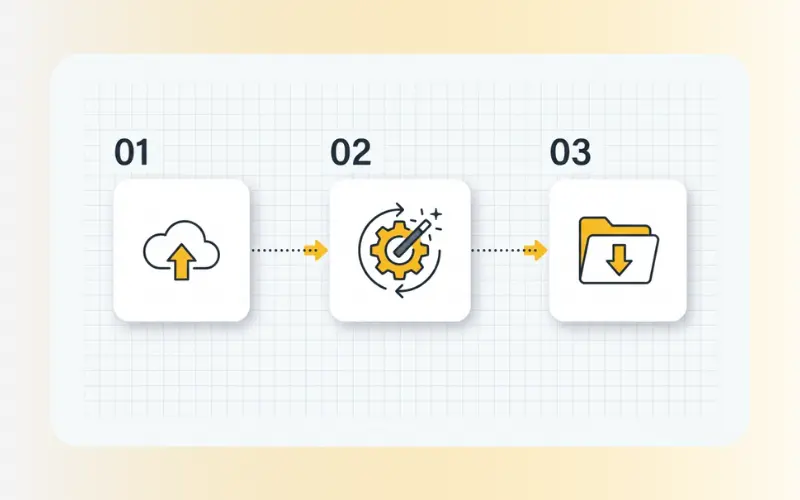
Processing your visual assets with EzPic requires only a few steps:
Upload: Select your image files (such as JPG, PNG, or WebP) and drop them onto our platform.
Process: Choose from our specialized conversion, optimization, or AI editing tools.
Download: Save your optimized assets directly to your device.
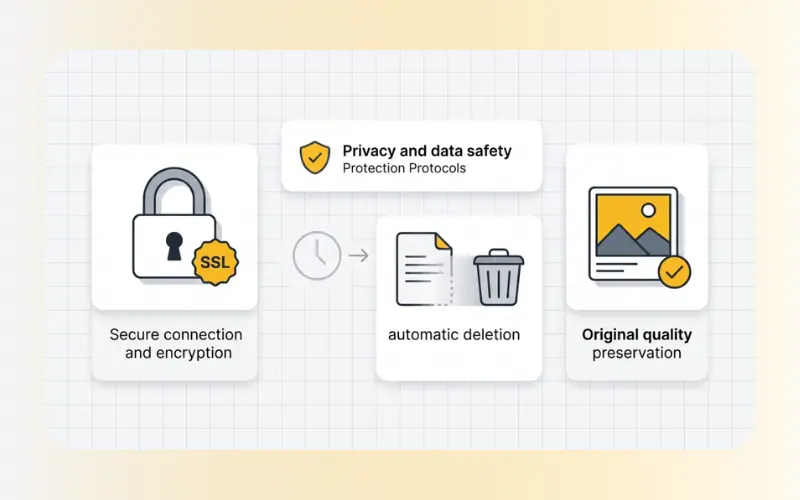
Our web-based toolkit is optimized for efficiency, reliability, and data security:
Cloud-Based Processing: No software installation is required. EzPic handles processing securely in the cloud, returning your completed images in seconds.
Data Privacy and Security: We prioritize your digital privacy. All uploads are secured with SSL encryption and are automatically deleted from our servers shortly after processing. Your files are never stored permanently or shared with third parties.
Quality Preservation: Our tools aim to preserve the original resolution and details of your files, helping you avoid unnecessary pixelation or color distortion.
After preparing your assets, you can explore our full suite of image tools to refine and optimize your files.
Standard JPG files do not support transparency. To maintain transparent backgrounds or adapt files for specific design workflows, saving your files in compatible formats is essential.
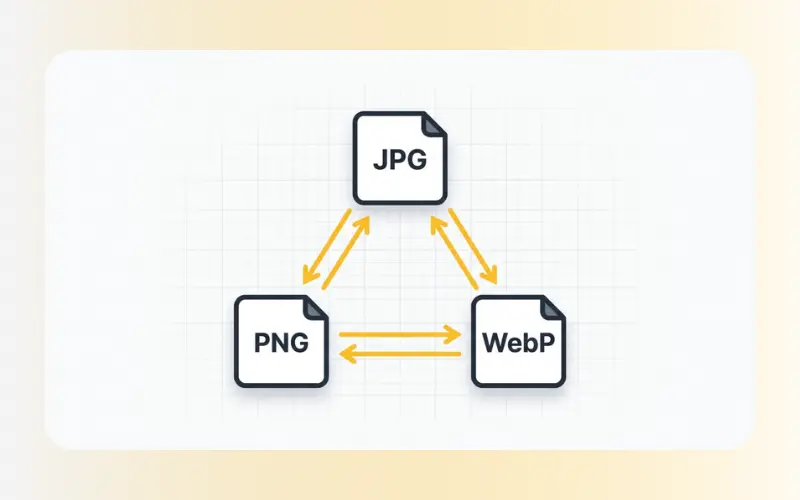
JPG to PNG: Convert flat JPG images into PNG format to support transparent layers.
PNG to WebP: Transition your PNGs into highly compressed, modern WebP formats for faster web loading.
JPG to WebP: Directly convert standard photos into efficient, web-ready assets.
WebP to PNG & WebP to JPG: Convert WebP assets back to traditional, desktop-friendly formats.
Large image files can slow down your website and affect search engine visibility. Keep your files lightweight without losing clarity:
Compress Images: Reduce the file size of your newly created PNGs or JPGs while maintaining visual balance.
Enhance Images (AI Image Enhancer): Clear up low-resolution artifacts, sharpen soft edges, and improve overall image clarity.
Clean up distracting elements from your visuals before finalizing your designs:
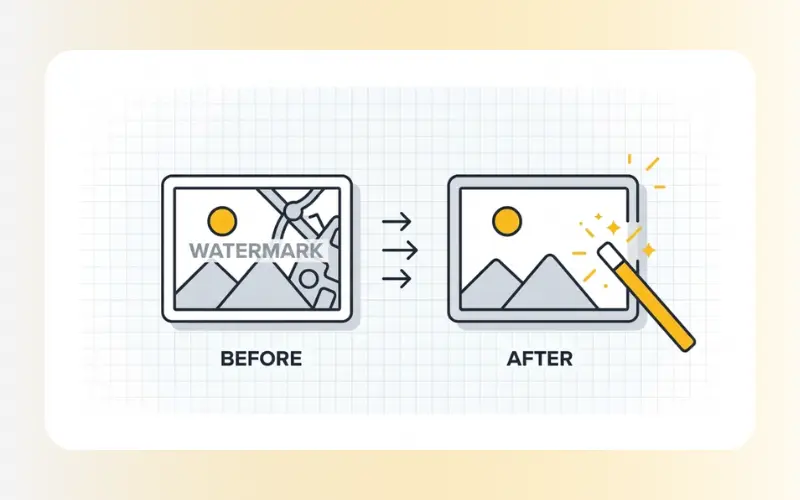
Remove Watermarks: Eliminate distracting stock marks, logos, or text overlays from your graphics.
Remove Objects: Clear away unwanted items or miscellaneous background elements.
Remove Person: Erase individuals from the background to focus attention on your main subject.
JPG files do not support transparency. If you want to use transparent backgrounds in your web or graphic designs, saving your files as JPGs will convert the transparent areas into solid background colors (usually white or black). Using a dedicated PNG maker or converting your images via our JPG to PNG tool ensures that the transparency channel is preserved.
At EzPic, data security is integrated into our workflow. All uploads and processes are secured using SSL encryption. Once your file is processed and downloaded, it is permanently deleted from our cloud servers within a short period, ensuring your private files remain secure.
Yes. Transparent PNG files can sometimes have large file sizes. After converting your assets, you can use our Compress Images tool to decrease file size, or convert them using PNG to WebP to improve loading speeds on your website.