
Online Image Cleaner: Remove Objects and Text
Perfect for product shots, portraits, avatars, and ecommerce images.
Perfect for product shots, portraits, avatars, and ecommerce images.
Have you ever taken a great photo only to find distracting elements in the background?
Our online image cleaner helps you tidy up your photos by removing unwanted elements with ease. Whether you need to eliminate random photobombers, erase distracting signs, or remove text from image files, this tool is designed to assist you. Our photo cleaner acts as a magic eraser, performing a quick cleanup of your pictures directly in your web browser. Try our text remover tool today to make your compositions look clean and focused.
Using our online editor is straightforward. Follow these simple steps:
Upload your photo: Drag and drop your image or select it from your computer or mobile device.
Highlight the distraction: Use the brush tool to paint over the object, person, or text you want to remove.
Process and download: Let the tool rebuild the background area, then download your cleaned-up image.
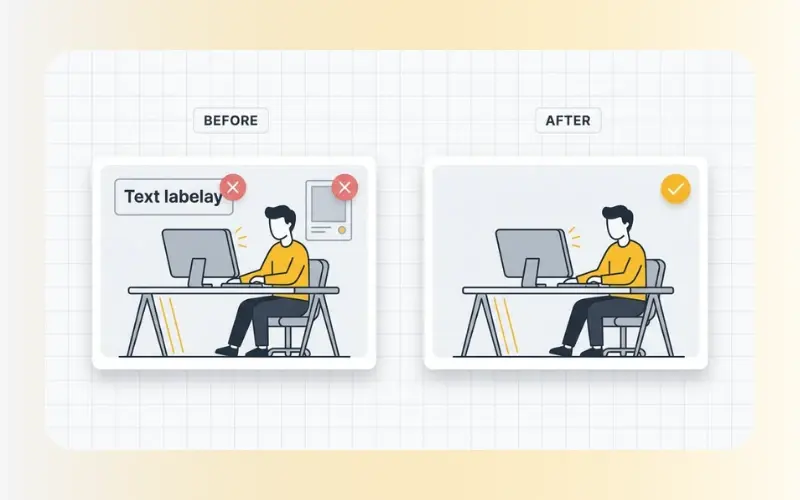
Our web-based cleanup tool is built to provide quick and convenient editing without the need for complex training:
Precise Object Removal: Easily brush away unwanted tourists, power lines, trash cans, or spots on your lenses.
Efficient Text Eraser: Use it as a text remover from image files to strip out timestamps, dates, labels, or captions.
Browser-Based Convenience: No software installations are required. Perform quick adjustments on any desktop, tablet, or phone.
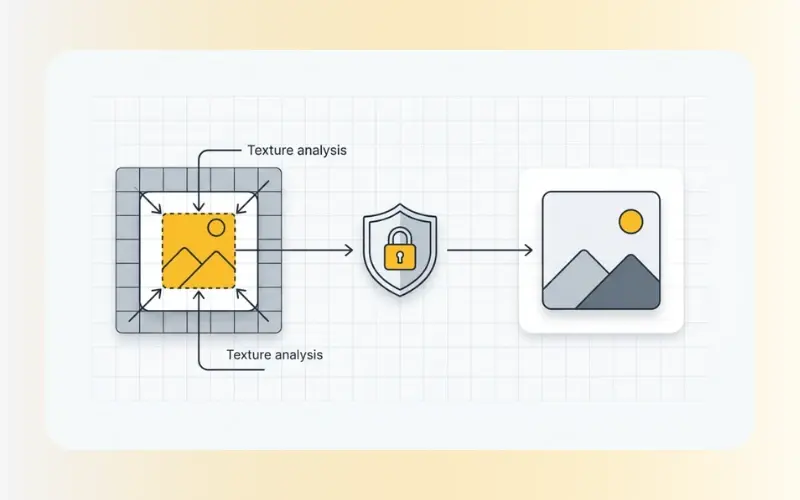
Natural-Looking Results: The algorithm analyzes surrounding pixels to fill in the erased area, helping to keep the background consistent with the rest of the shot.
Our tool supports standard photo formats to accommodate different editing workflows:
Input Formats: JPG, JPEG, PNG, and WebP.
Privacy and Security: We understand the importance of your data privacy. All images uploaded to our site are processed securely over an encrypted connection. Files are automatically deleted from our servers shortly after processing, ensuring your photos remain confidential.
Traditional photo editing software requires manual cloning and stamping, which takes time and patience. Our modern image cleaner uses advanced inpainting algorithms to speed up the process. When you select a distraction, the tool analyzes the surrounding textures, lighting, and colors. It then reconstructs the selected area, making the unwanted elements blend away. This automated process makes basic photo editing accessible to everyone.
Yes. The brush tool works as an effective text remover for removing captions, timestamps, labels, or unwanted words from graphics and photos.
Yes, you can access the cleanup utility directly from your browser without needing to register or pay any subscription fees.
No, the resolution of your original photo remains unchanged. The tool only modifies the specific area you highlighted with the brush, preserving the quality of the rest of the image.
If your photo needs further adjustments, we offer other specialized editing features. Use our Remove Watermarks or Remove Person tools for more targeted editing. Once your image is free from distractions, consider using our AI Enhance Images tool to improve the resolution and overall lighting for a polished look.