
Convert JPEG to PNG Online for Free
Perfect for product shots, portraits, avatars, and ecommerce images.
Perfect for product shots, portraits, avatars, and ecommerce images.
Convert your files instantly with our free online utility. EzPic makes it easy to convert JPEG to PNG without requiring complex software installations. Whether you need to save a photo to PNG to preserve digital details or prepare web assets for design projects, our online PNG converter processes your files in seconds. Simply upload your image to get started immediately.
Follow these three steps to change your file formats:
Upload your file: Drag and drop your JPEG or JPG file into the designated upload area, or click the upload button to select a file from your device.
Convert the image: Our online tool will instantly process the file, changing the image format container to PNG.
Download: Click the download button to save your new PNG image directly to your local storage.
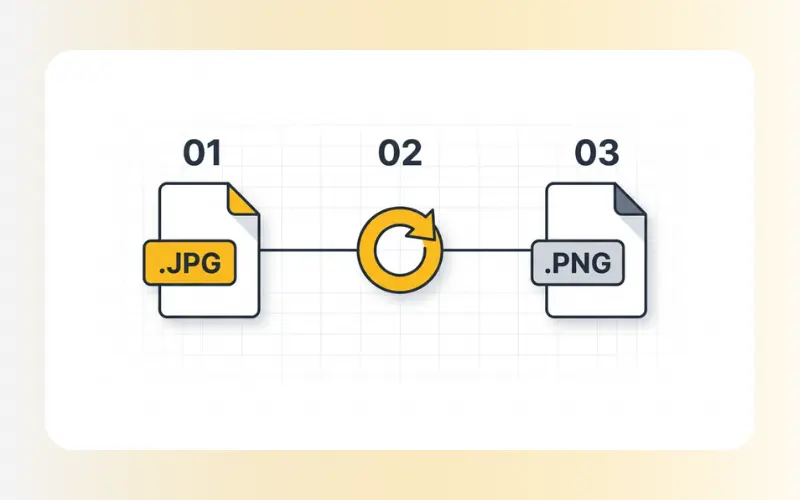
While JPEG is excellent for minimizing file sizes on digital cameras, converting to PNG offers several practical advantages for editing, archiving, and web display:
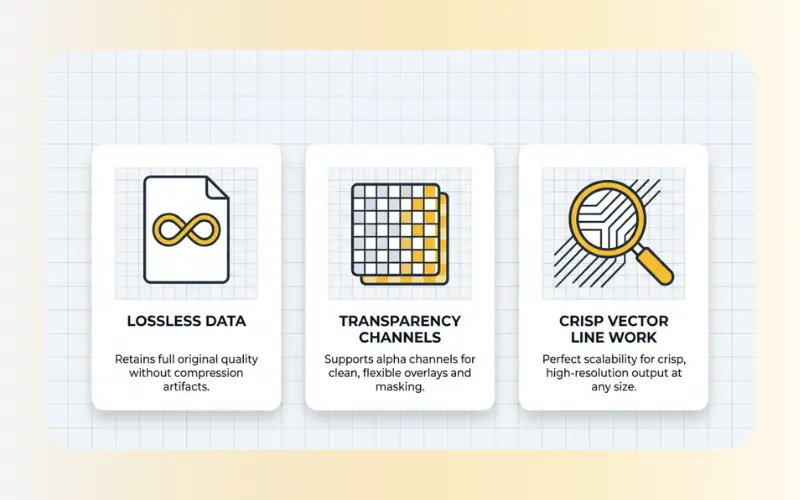
Lossless Compression: Unlike JPEG, which discards visual data to save space, PNG uses lossless compression. Converting your files helps protect the image from further quality loss during subsequent editing and saving cycles.
Editing Compatibility: Graphic design tools and web platforms often require the PNG format to manage transparency channels and high-contrast graphics.
Text and Vector Handling: If your image contains sharp text, logos, or line drawings, converting to PNG prevents the fuzzy compression artifacts typically found around sharp edges in JPEG files.
Understanding the structural differences between these formats helps you choose the right output for your projects:
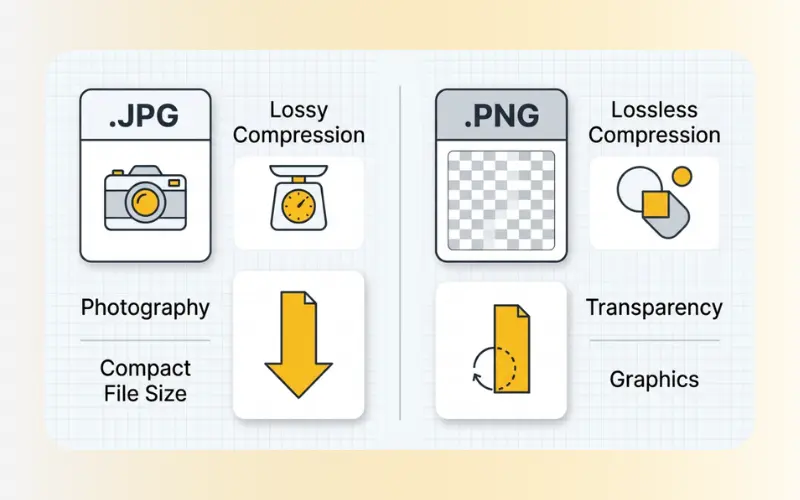
Compression Type
JPEG / JPG: Lossy compression (discards some visual data to minimize file size).
PNG: Lossless compression (retains all original visual data).
Transparency Support
JPEG / JPG: No support (transparent areas turn into a solid background color).
PNG: Full support (retains alpha transparency channels for web layout overlays).
Ideal Use Case
JPEG / JPG: Standard photography, digital camera photos, and web images with complex color gradients.
PNG: Graphic design assets, logos, screenshots, and visual designs containing text.
File Size
JPEG / JPG: Generally smaller and more compact.
PNG: Typically larger due to high detail retention.
Our platform is designed to provide rapid browser-based processing while respecting your data privacy.
Supported Inputs: .jpg, .jpeg, .png, .webp
Supported Outputs: .png, .jpg, .webp
Security Protocol: All uploads are protected using secure SSL encryption. Your files are temporarily stored on our servers only for the duration of the conversion process and are automatically deleted after 60 minutes. We do not share, review, or store your images permanently.
No. Simply converting a JPEG file to the PNG format does not automatically remove the background or make it transparent. However, converting to PNG prepares the file container to support transparency layers once you edit the background layer using editing software.
Changing the format container from JPG to PNG prevents future quality degradation from repeated saving. However, it does not automatically restore details already lost during initial JPEG compression. If you need to fix a low-resolution photo, you can use our dedicated enhancement tools after converting.
Yes. EzPic offers this conversion tool completely free of charge. You can convert your files directly in your web browser on desktop or mobile devices without registering an account or providing email details.
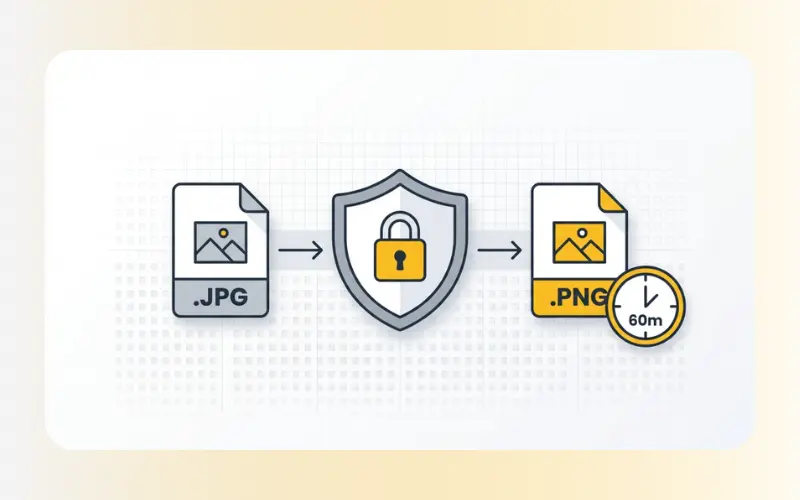
Alt text: ""
Vị trí chèn đề xuất: Chèn sau section "Technical Specifications & Secure Processing" và ngay trước phần "Frequently Asked Questions".
Caption: ""
Once you have converted your images, you can use our other tools to complete your project:
Optimize File Size: If your new PNG file size is too large for your website, use our Compress Images tool to reduce the file size without losing visual clarity.
Improve Image Clarity: If your source photo was blurry or pixelated, use our Enhance Images (AI Image Enhancer) to sharpen details and improve the overall resolution.
Convert to Web-Ready Formats: To optimize your page speeds, transition your files to next-generation formats using our PNG to WebP or JPG to WebP converters.